Livestreams & videos
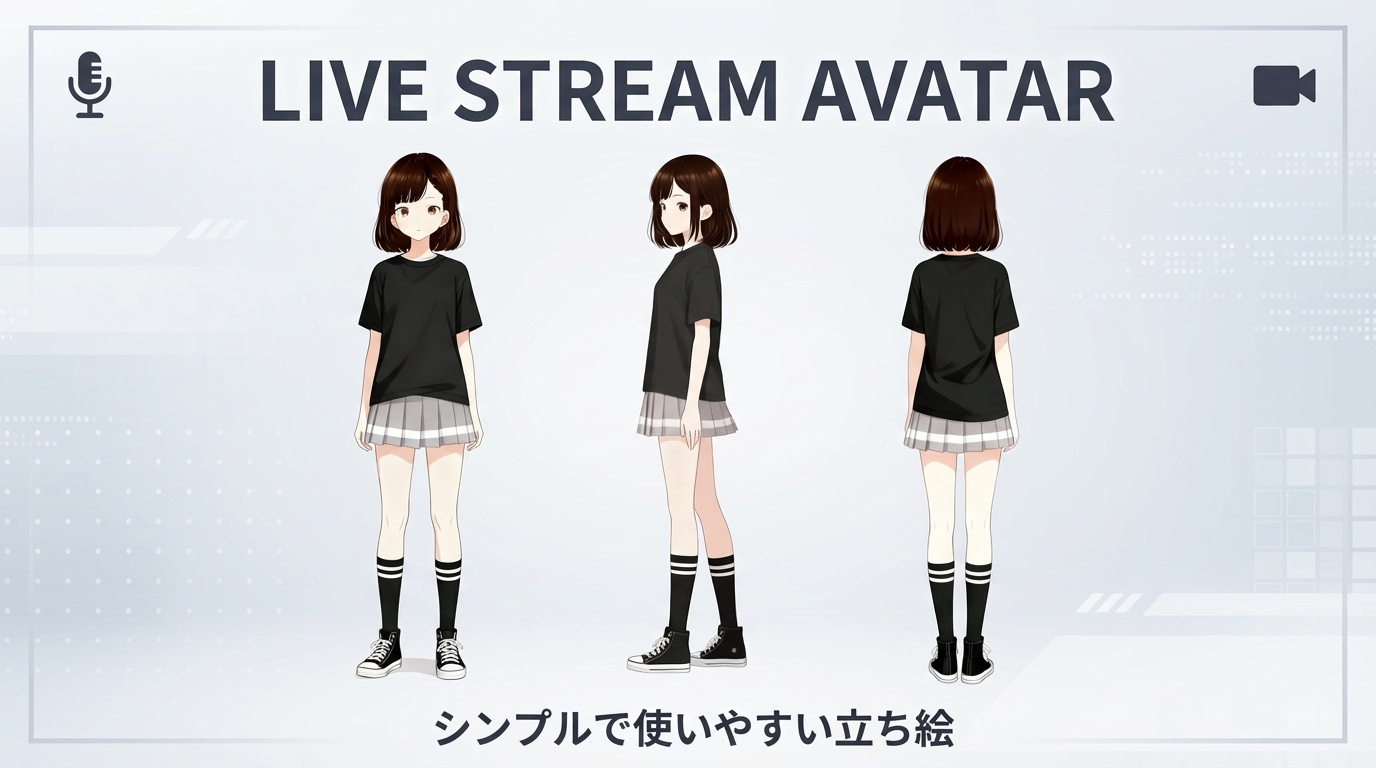
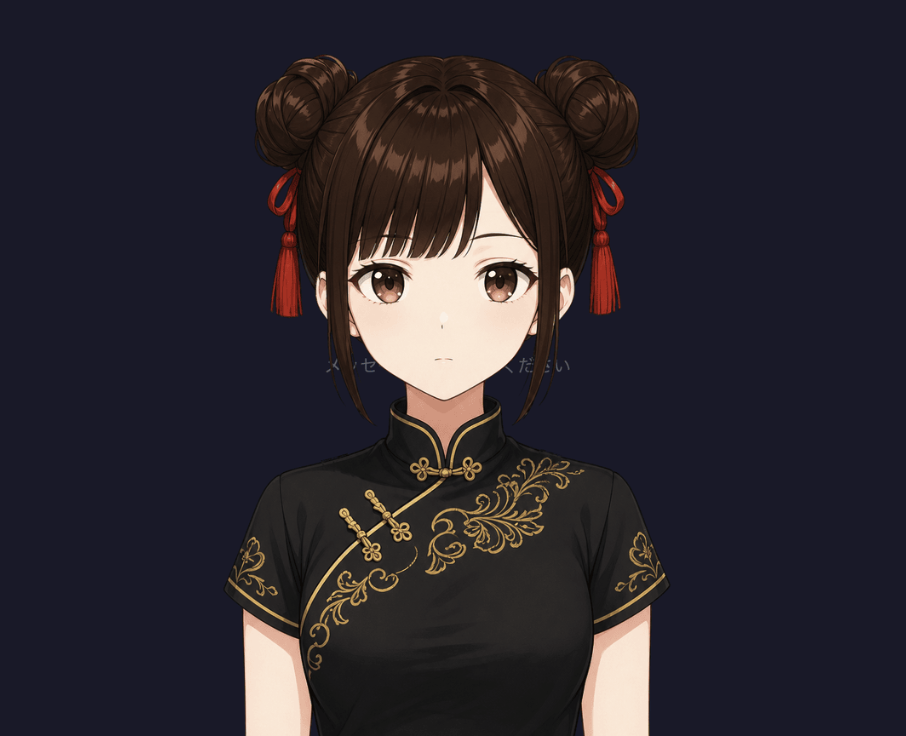
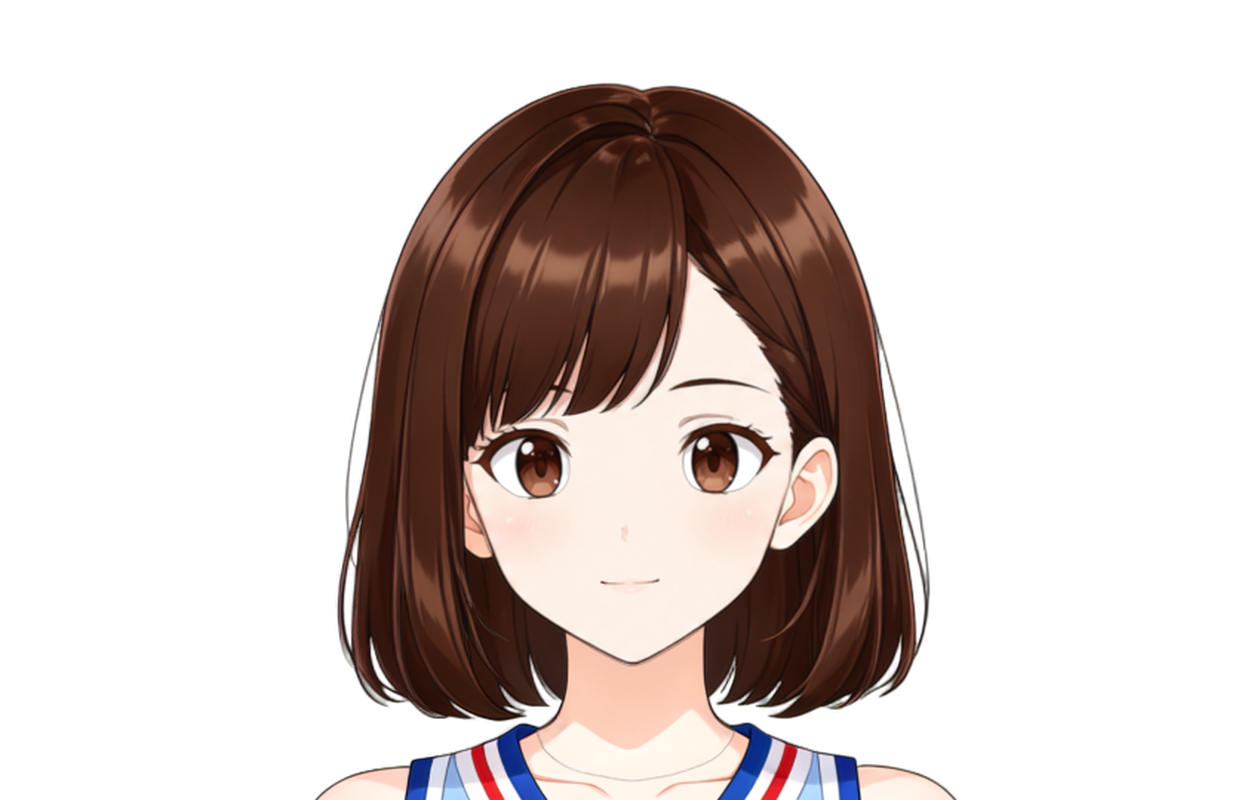
- Place Miko’s standing art on screen as a host, guide, or explainer.
- Use her to introduce segments, reminders, or community guidelines.
- Import the VRM into OBS and trigger appearances when needed.
Apps & games
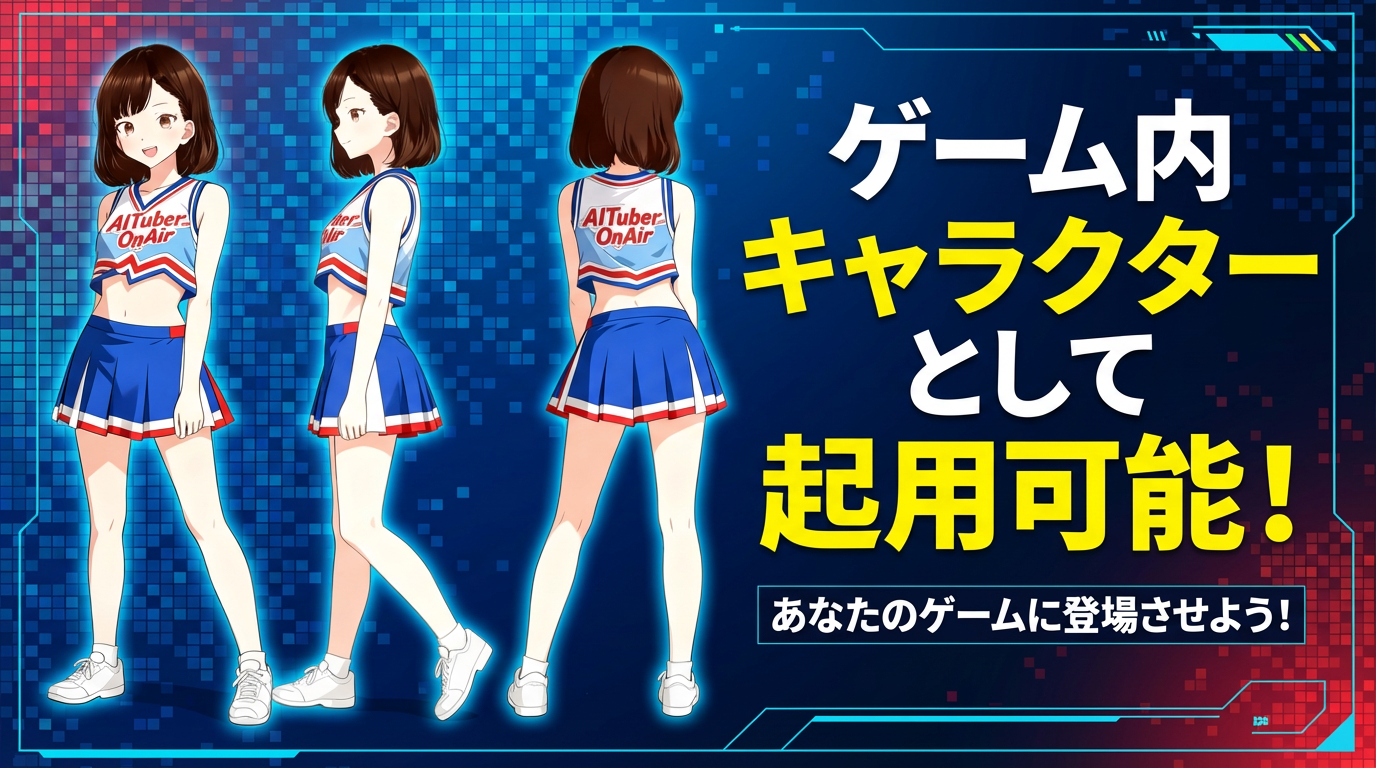
- Embed Miko as an in-app guide or tutorial companion for new users.
- Let her highlight new features or events inside the story flow.
- Feature her illustrations on notification banners or info panels.
Events & signage
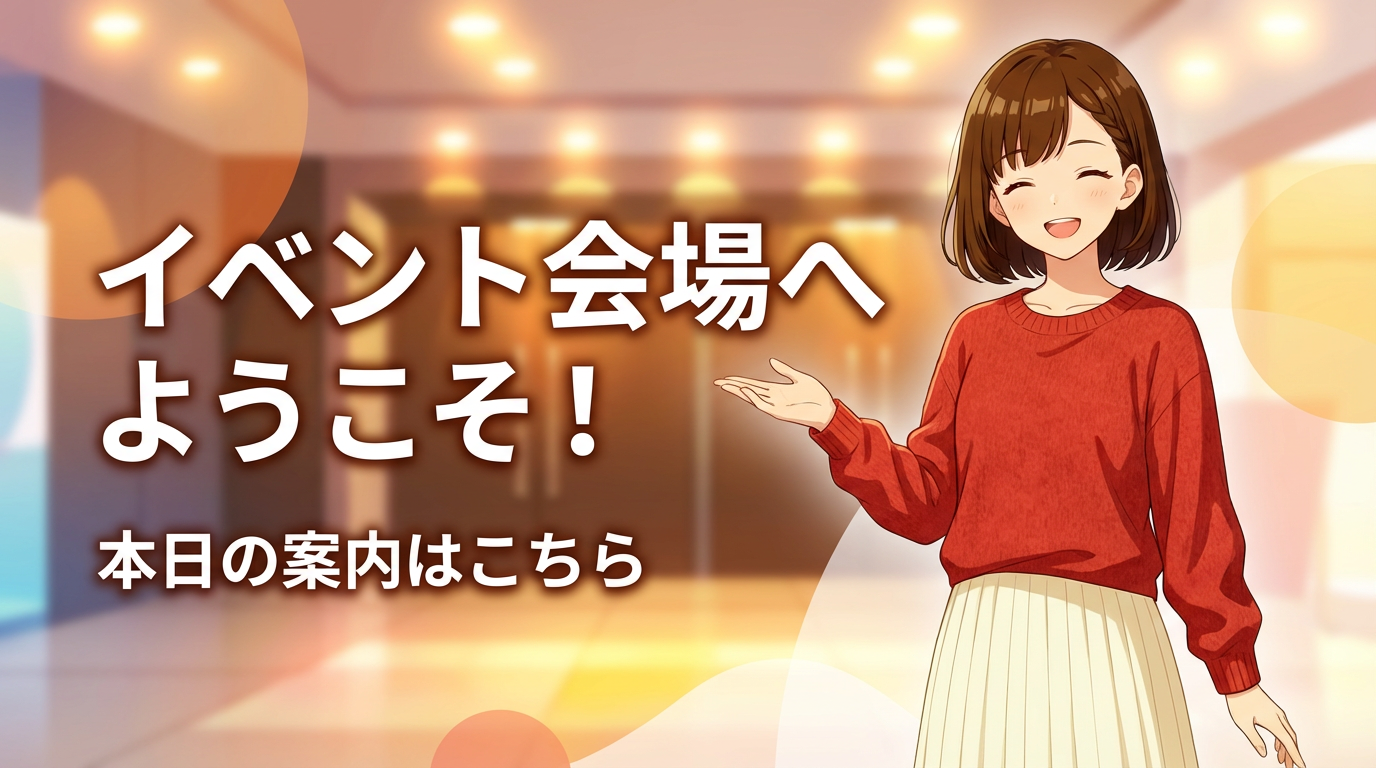
- Print or display Miko on booth signage to highlight directions or notes.
- Include her in looping slides or videos that describe your offering.
- Reuse her art on flyers, LPs, or digital pamphlets for consistency.
Creators & Streamers
Find the VRM and PNG assets you need for livestreams, videos, or illustrations in the downloads section.
Before publishing, double-check that your content stays within the prohibited-use list.
Download assets Teams & Companies
Review the license summary to understand how commercial activations, events, or internal proposals can reference Miko.
For approvals or legal sign-off, consult the full guidelines and reach out via the form if anything is unclear.
Review license highlights AITuber developers
For integration guidance, visit the GitHub repository.
View on GitHub Usage & license summary
As long as you follow the official guidelines, Miko is free for personal projects and commercial campaigns. Credit is optional (but appreciated).
Allowed examples
- Featuring Miko in livestreams, apps, games, or marketing materials (commercial use allowed).
- Using the VRM, PNGTuber, PuruPuru PNGTuber, Pet, and turnaround assets distributed on this site while following the rules.
- Tweaking colors or accessories to fit your brand, with optional credit such as “© Yuki Shindo (AITuber OnAir)”.
- Featuring Miko in your app, game, software, video, website, or other work, and shipping the assets as part of that work.
- Using Miko as a mascot character for a company or organization.
Not allowed
- Any hateful expressions, discrimination, or incitement to violence.
- Pornographic, illegal, excessively gory, or misleading content, including impersonating the official team.
- Redistributing the asset data by itself, as an asset collection, or through a distribution primarily intended to provide the assets.
- Implying official status, endorsement, or partnership, or claiming ownership of Miko or exclusive usage rights (Miko remains available to everyone).
For legal teams: this page is a reference translation. Review the authoritative Japanese guidelines for the official terms and future updates.
Downloads
Download the VRM, PNGTuber, PuruPuru PNGTuber, Anime2.5DRig layered PSD, Pet, photoreal-style references, and outfit turnaround assets. Use the layered PSD for browser-based auto-rigging and the turnaround sheets for Live2D source art, 3D modeling blueprints, and other creative workflows.
VRM
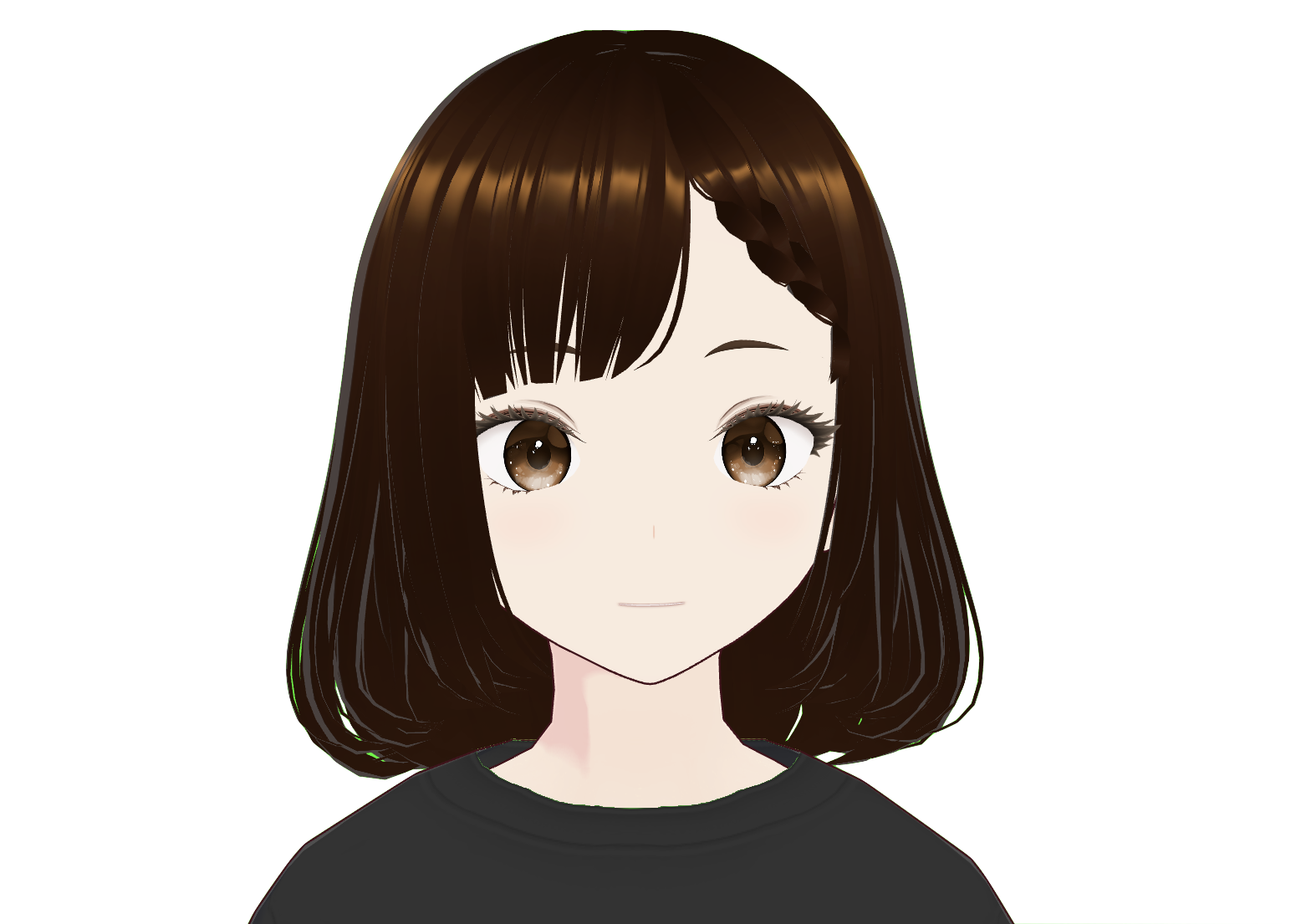
VRM File
A VRM model ready for streaming and 3D animation workflows.
File: miko.vrm
PNGTuber Assets
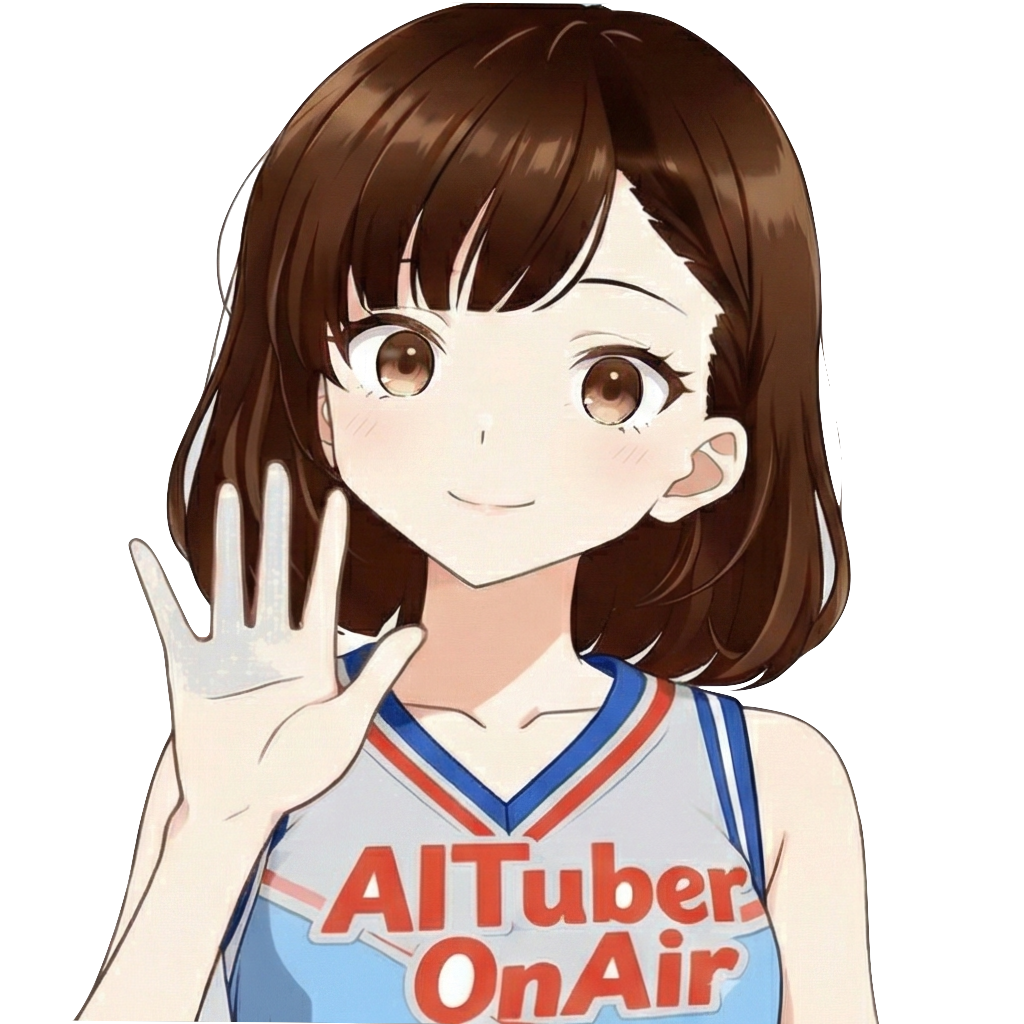
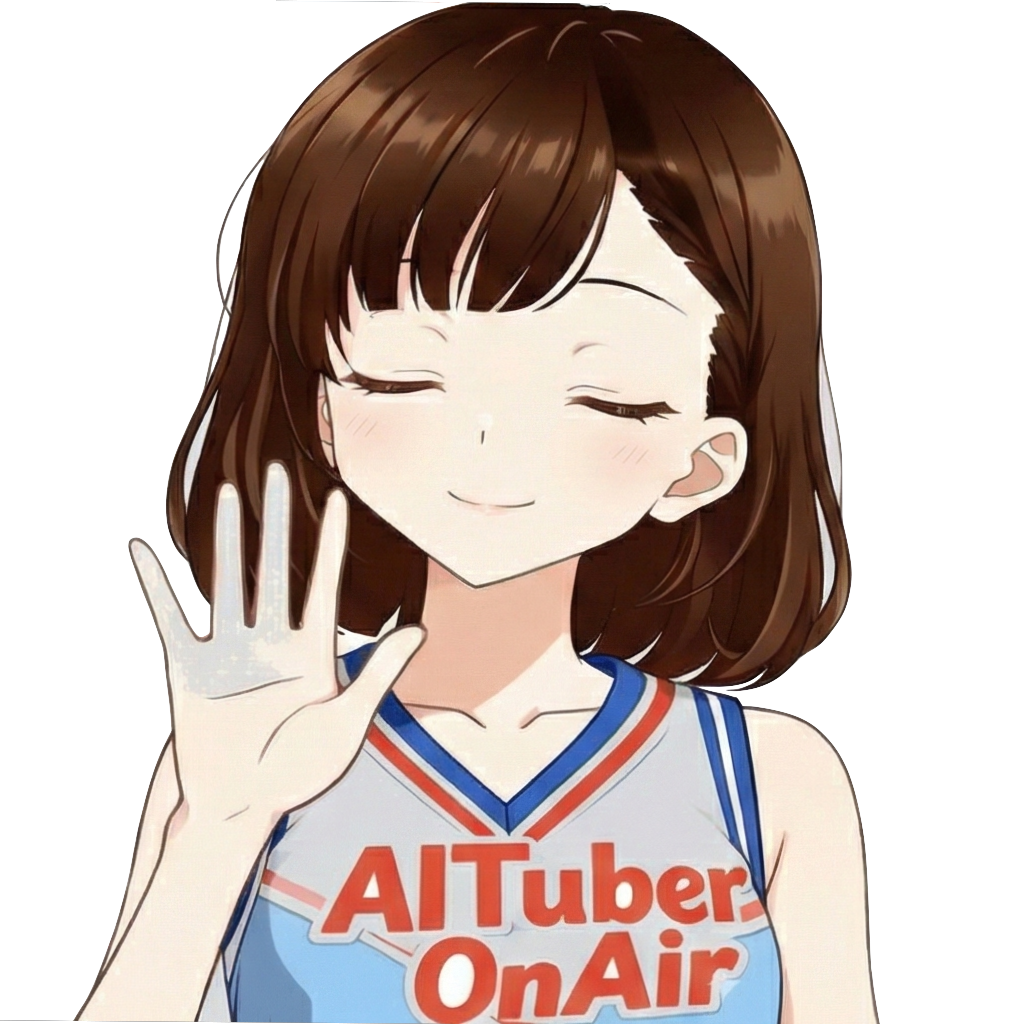
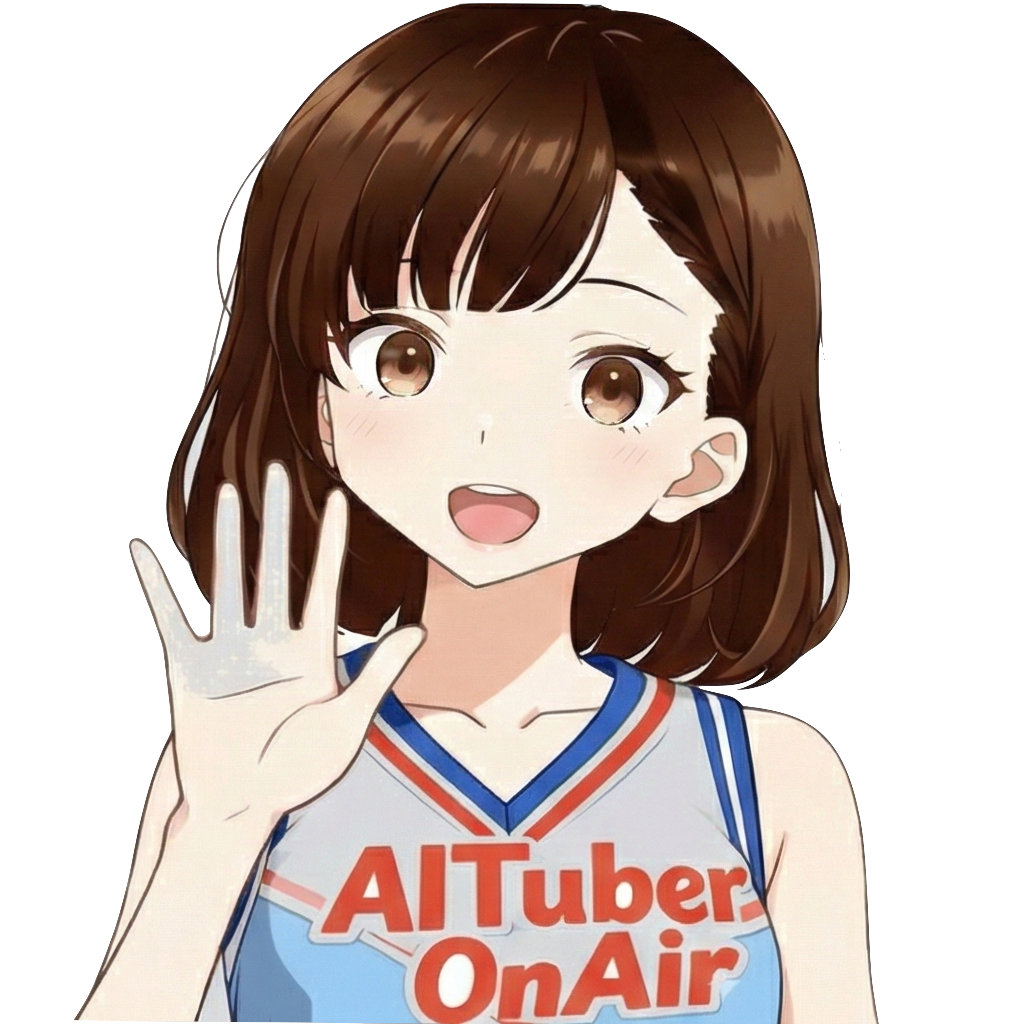
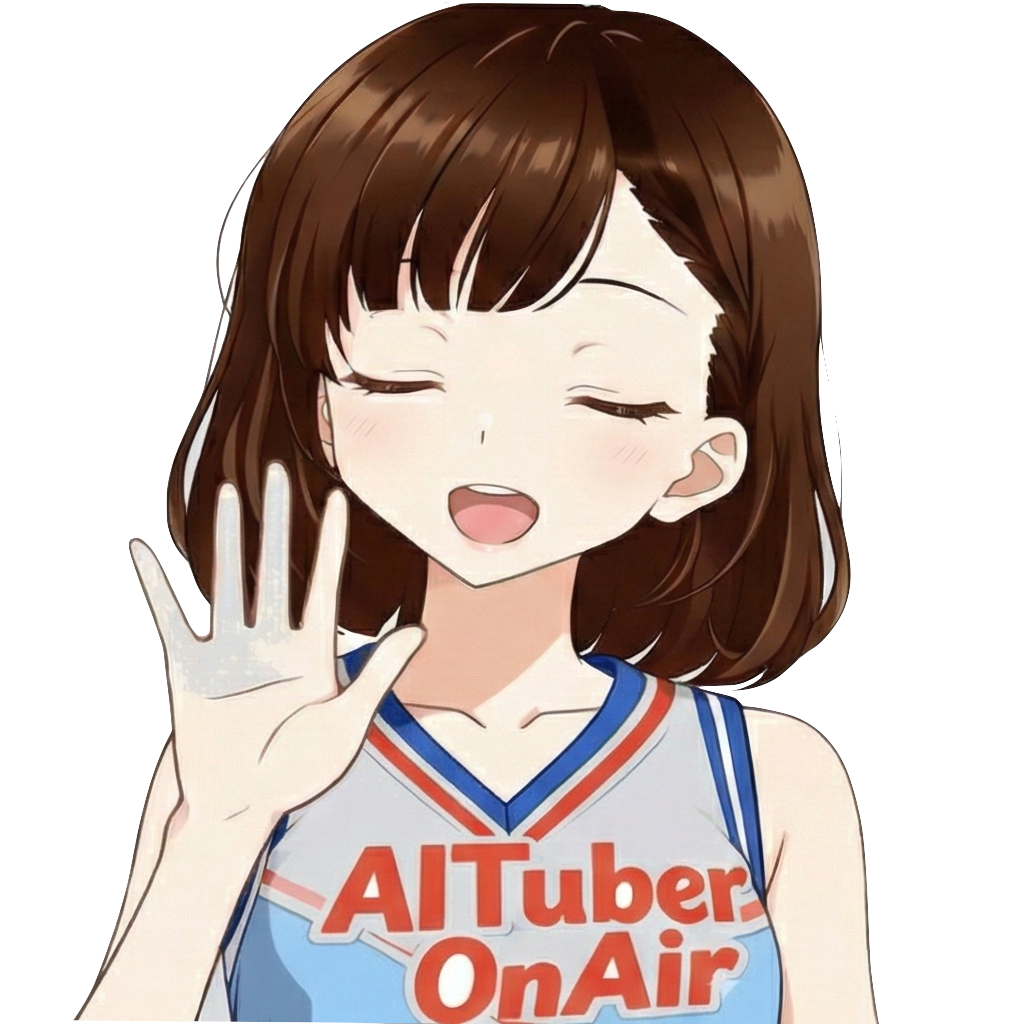
PNGTuber Expression Set (4 images)
Mouth/eye open-close pattern set for PNGTuber streaming. Use with OBS or PNGTuber-compatible software for expression switching.
ZIP / PNG 1024x1024px × 4
PuruPuru PNGTuber Asset
Miko PuruPuru Avatar Package
A .purupuru avatar package for PuruPuruPNGTuber with separated layers and facial expression states.
ZIP / miko.purupuru / README
Anime2.5DRig Layered PSD
Miko Cheerleader 2.5D Avatar Asset
A layered and named PSD for Anime2.5DRig, created by 852wa (hakoniwa). Drop it into the browser demo to auto-rig Miko with blinking, lip sync, head movement, and hair physics. Anime2.5DRig is an independent third-party tool. This PSD also works with the AITuber OnAir PSD example.
ZIP / miko-anime25drig-cheer.psd / PSD 1280x1280px / 15 layers / Japanese and English README
Pet (Desktop Mascot) Asset
Miko Pet Animation Set
A Codex Pet-compatible 8x9 spritesheet and manifest for desktop mascots and Pet-compatible apps.
ZIP / WebP 1536x1872px / JSON / README
Photoreal-Style References
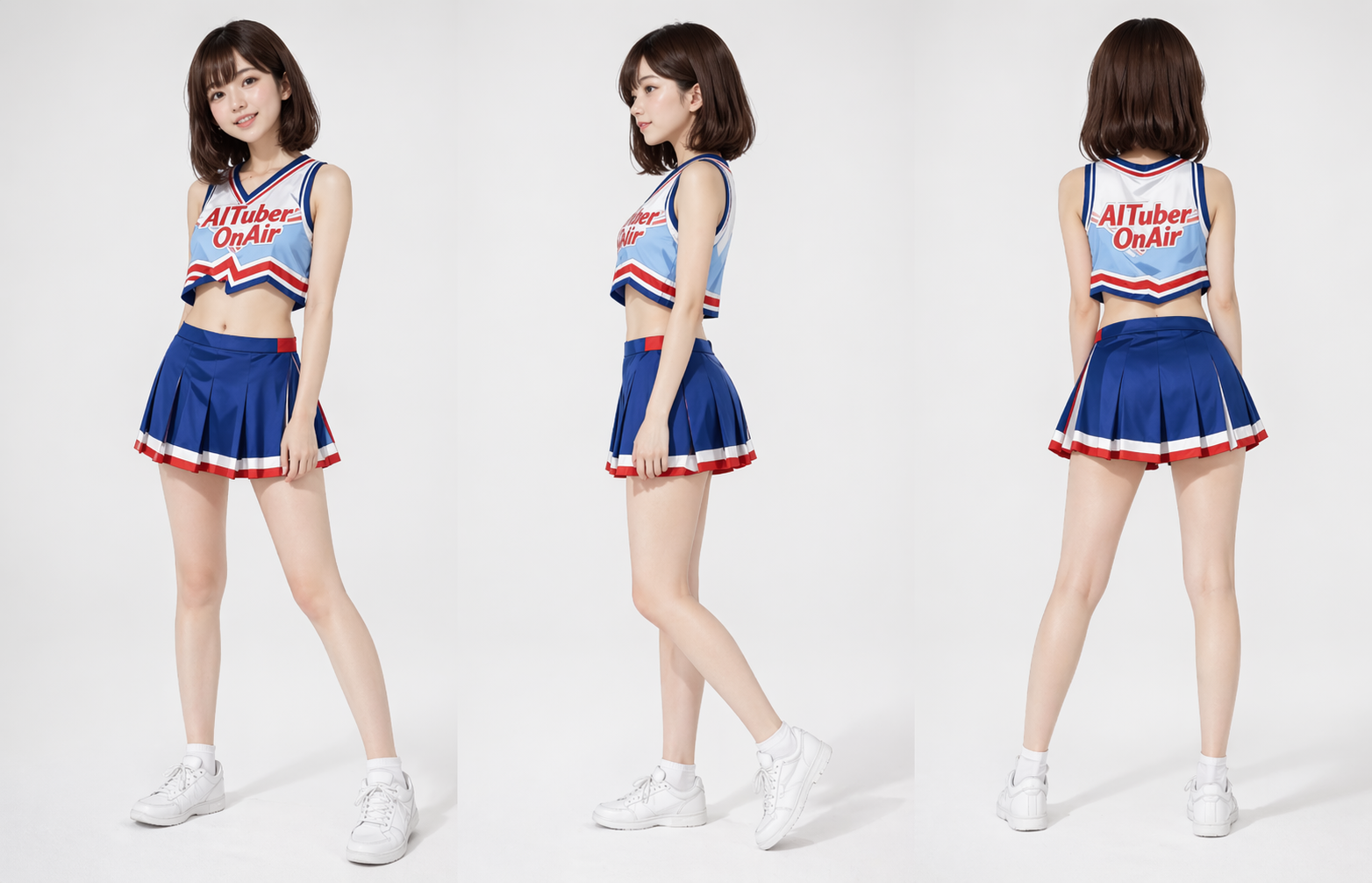
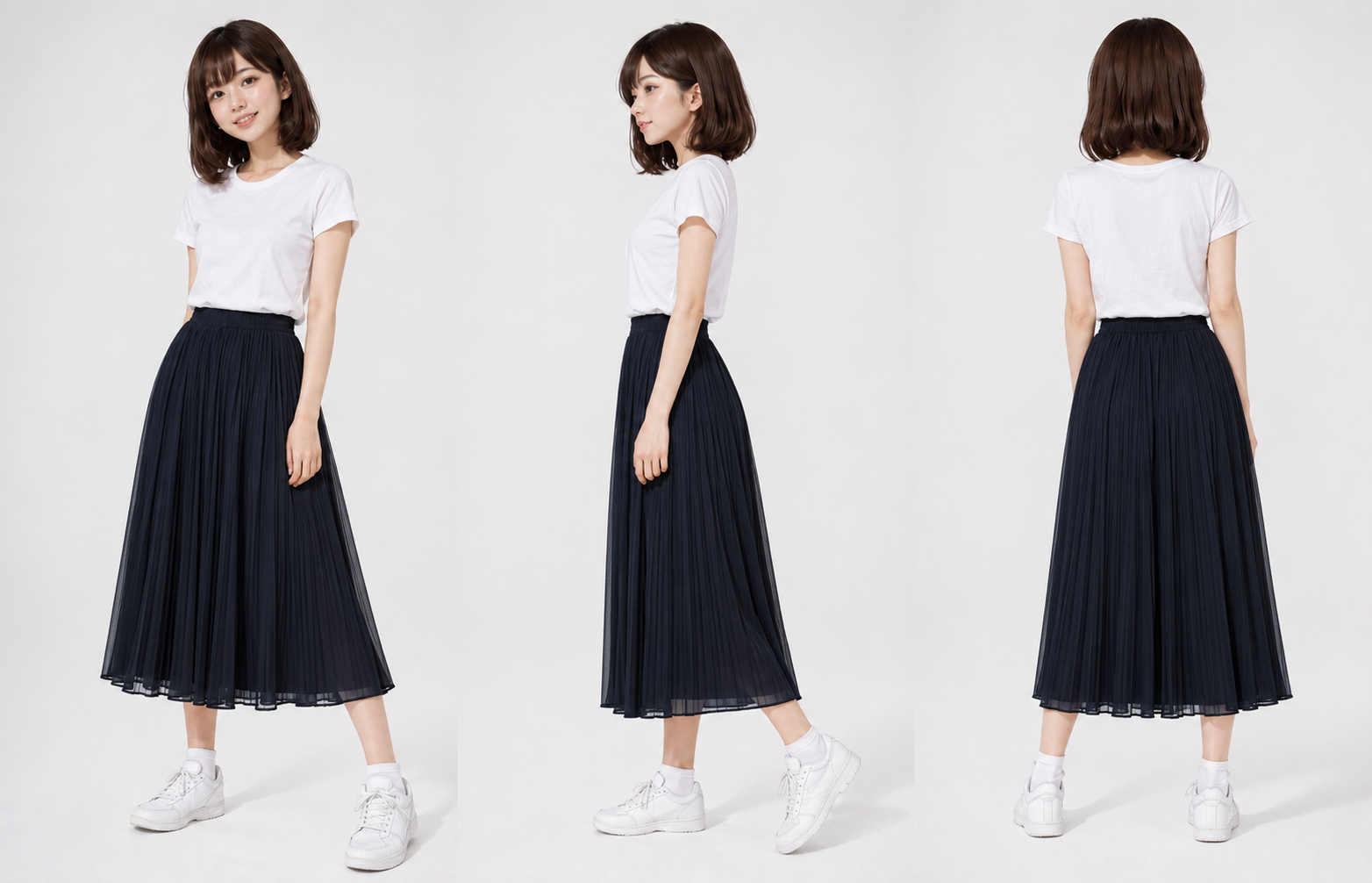
Cheerleader Outfit
A photoreal-style reference showing Miko's cheerleader outfit from the front, side, and back.
File: miko-photoreal-cheerleader.png / PNG 1564x1006px
Casual Outfit
A photoreal-style reference showing the white T-shirt and long-skirt outfit from the front, side, and back.
File: miko-photoreal-casual.png / PNG 1564x1006px
Turnaround Sheets
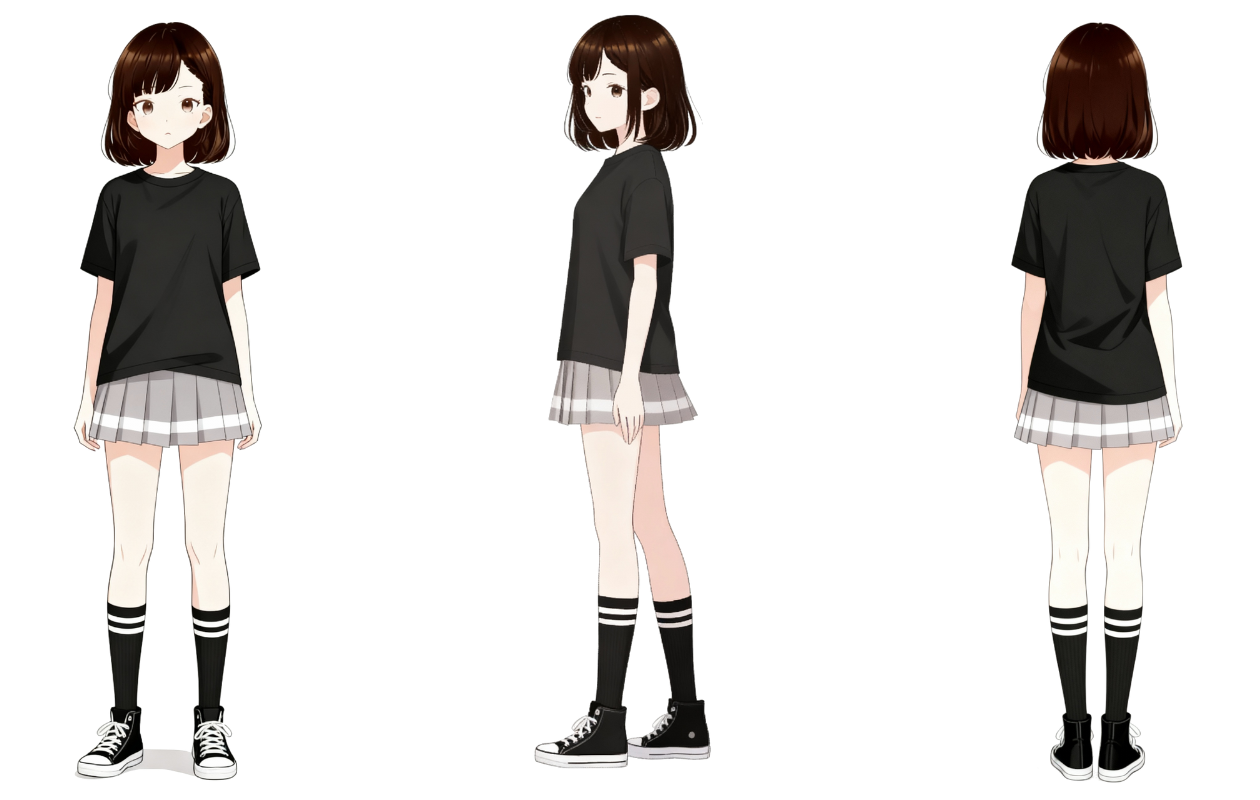
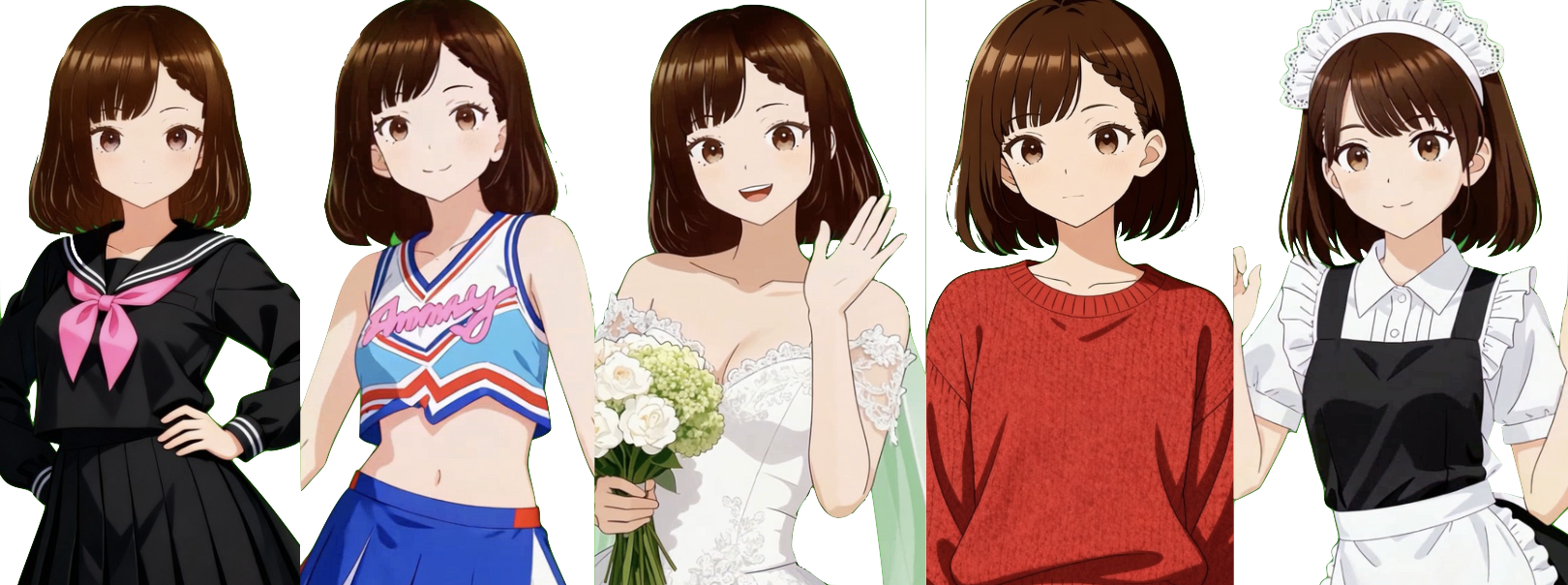
Default Outfit
Baseline look for promos and general use.
File: miko_three-view.png / PNG 1260x800px
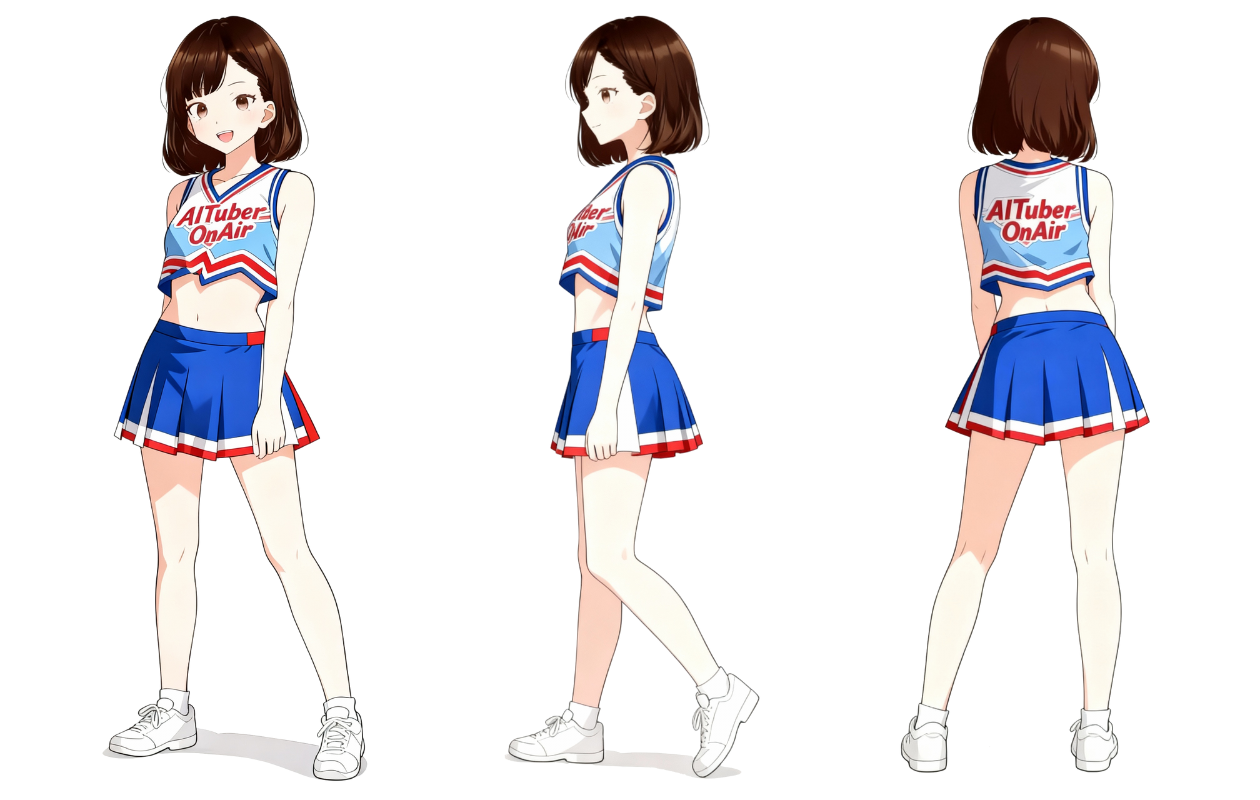
Cheerleader
Energetic style for sports and festivals.
File: miko_three-view_2.png / PNG 1260x800px
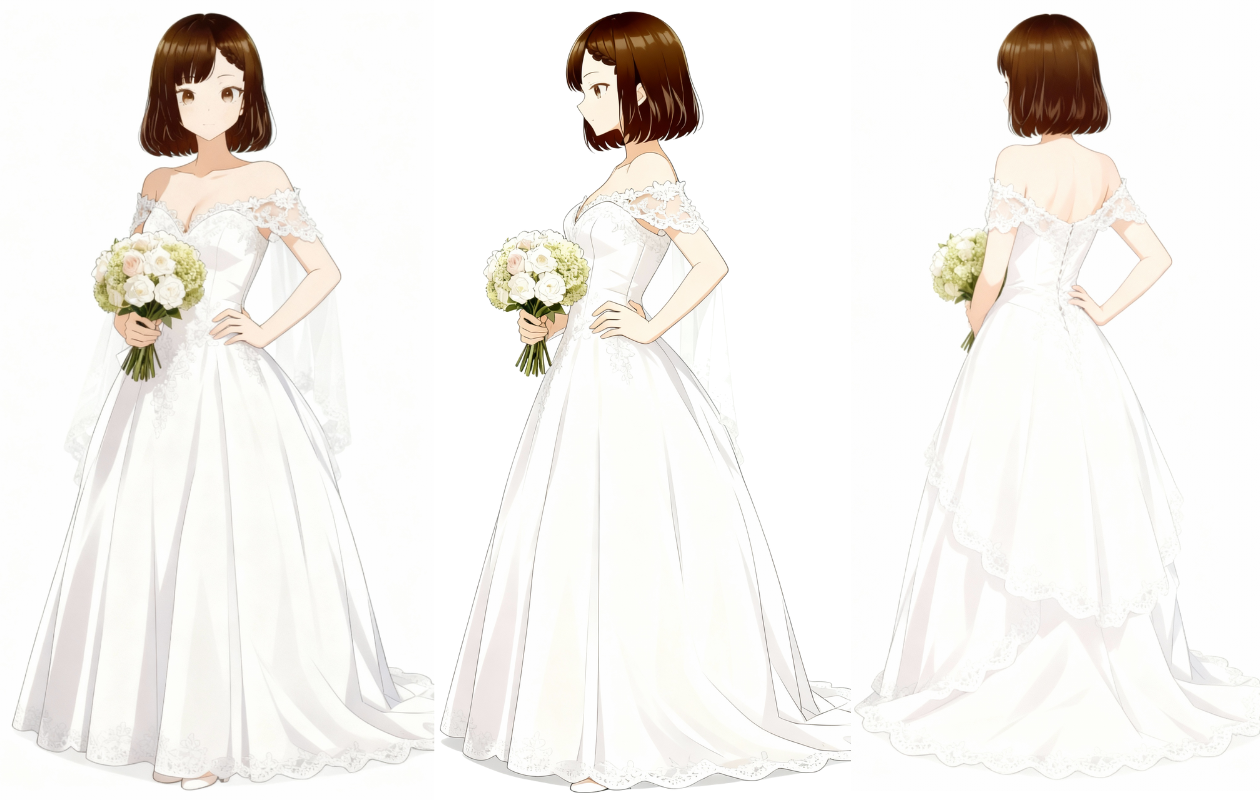
Bridal
Perfect for wedding scenes and commemorative visuals.
File: miko_three-view_3.png / PNG 1260x800px
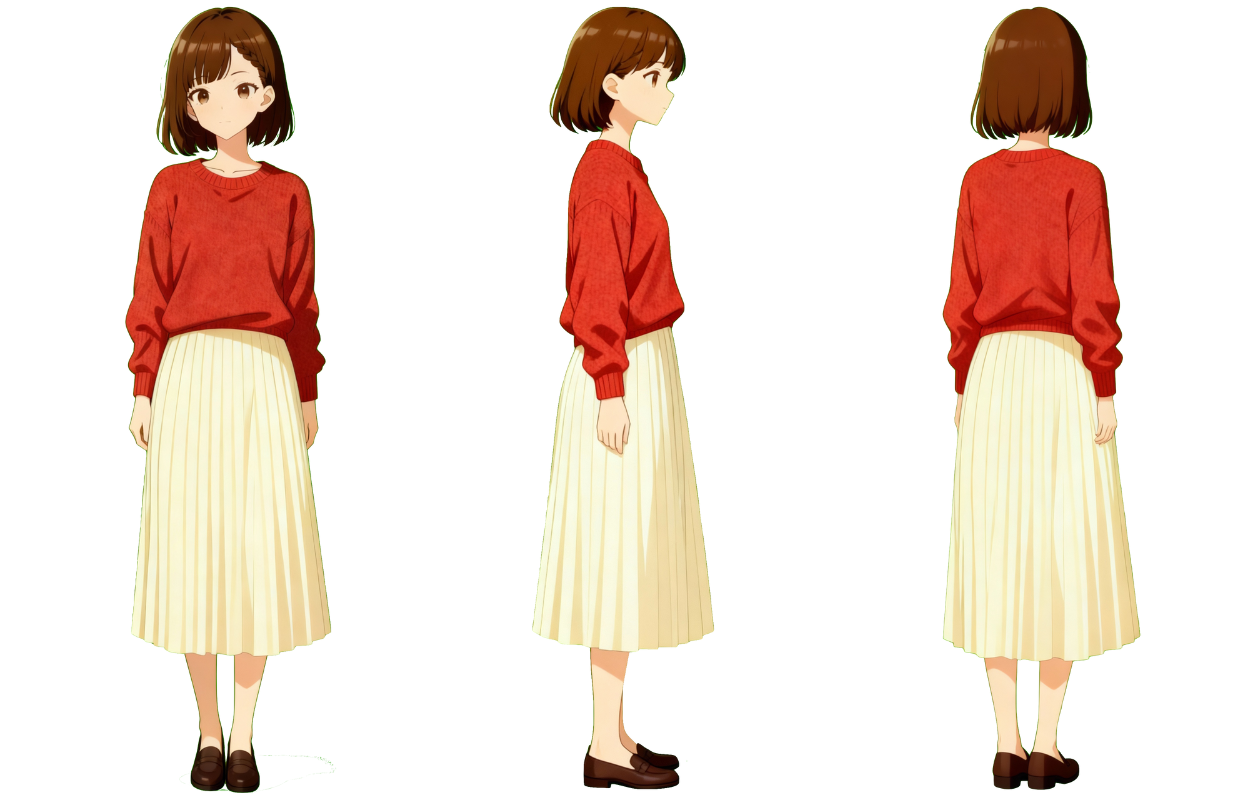
Autumn Knit
Cozy knit and checks for seasonal scenes.
File: miko_three-view_4.png / PNG 1260x800px
All additional outfits and assets are listed on the downloads page.
Usage Guidelines
- Scope: Character "Miko" and the Miko assets distributed on this site.
- Use and modification: Individuals and organizations may use and modify Miko free of charge. Companies and organizations may also adopt Miko as a mascot character for their products, services, or activities.
- Redistribution with a work: Miko assets may be redistributed as an integral part of software, apps, games, videos, websites, or other works and content. This applies equally to official and third-party projects.
- Conditions: Do not imply official status, endorsement, or partnership, and do not claim ownership of Miko or exclusive usage rights. Miko remains available to everyone under these guidelines.
- Prohibited: Hate speech (discrimination, defamation, inciting violence), pornographic use, illegal activity, spreading misinformation, excessive gore, content that violates public order and morals, impersonating the official team, implying false sponsorship or partnership, standalone redistribution, asset collections, or distributions primarily intended to provide the asset files.
- Commercial use: Allowed.
- Credit: Optional (but appreciated). Example: © Yuki Shindo (AITuber OnAir)
- Rights: © Yuki Shindo (AITuber OnAir). Miko is the official character of AITuber OnAir.
- Disclaimer: The management team is not liable for any trouble or damages arising from your use.
- Violations: We may revoke permission if these guidelines are breached.
- Revisions: The contents may be updated without prior notice.
- Authoritative version: The Japanese guidelines are authoritative. This English version is provided for reference only; if there is any discrepancy, the Japanese version takes precedence.
Quick FAQ
- Can I use the assets commercially? Yes, commercial use is allowed.
- Is it free to use? Yes, everything here is free.
- Do I have to include credit? Credit is optional. If possible, please use "© Yuki Shindo (AITuber OnAir)".
- May I edit the outfit variations? Yes—feel free to adjust colors or swap parts as long as you stay within the guidelines. Do not redistribute the assets by themselves or as an asset collection.
- Can companies or third-party apps use Miko? Yes. You can use Miko as a mascot character or ship the assets as part of an app, game, or other work. Just do not imply official affiliation, claim exclusive rights, or redistribute the assets on their own.
- How can I contact you? Please reach out via this form.